It’s 9:40 on a Tuesday morning. Half your class has finished the math warm-up and is drifting toward your desk. A few students are still working through problem four. One student has quietly started building with pattern blocks because no one told her not to. And at least two hands are up with the same question:
I’m done. What do I do now?
If that sounds familiar, you’re not alone. In every elementary classroom, students finish work at different speeds. Some need extra time, while others are ready for their next task within minutes. Without a clear routine, those different pacing needs quickly turn into interruptions, unnecessary questions, and extra decision-making for the teacher.
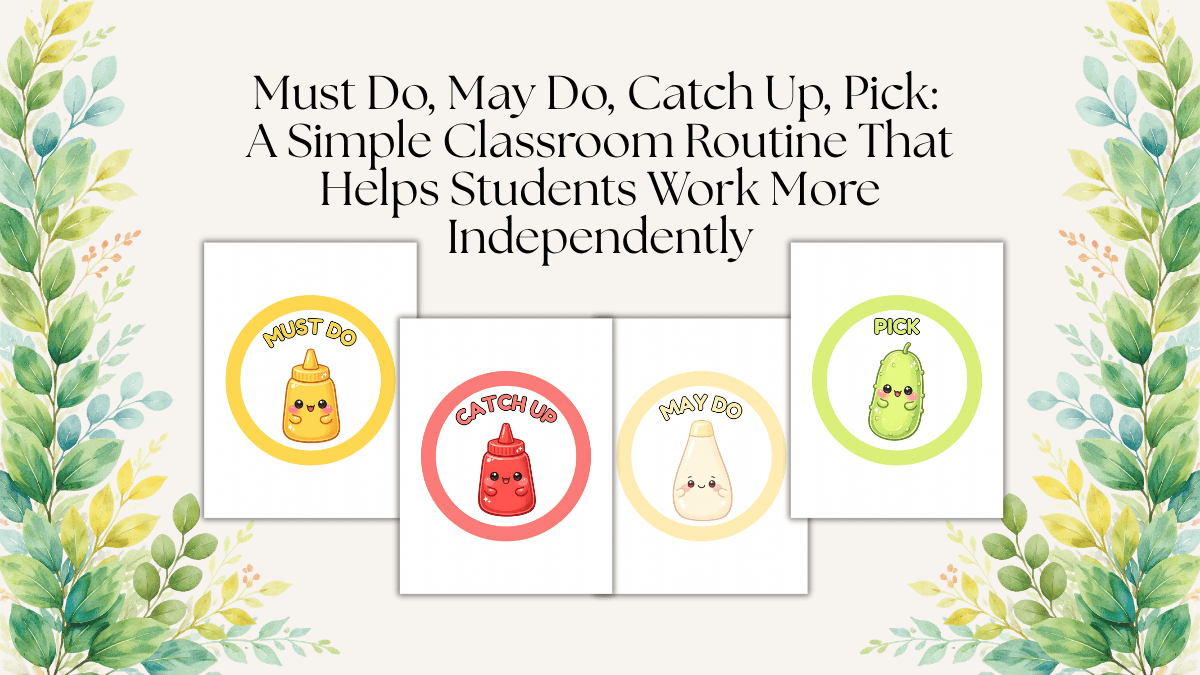
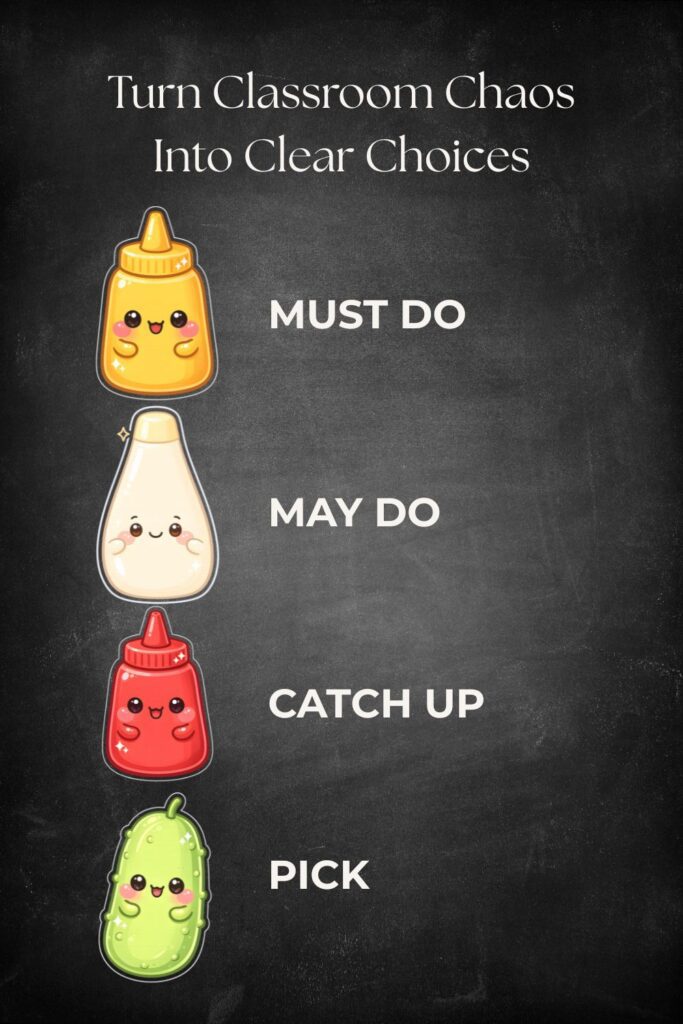
One simple way to organize independent work time is with a visual routine built around four easy-to-remember categories. Many teachers like to use a playful condiment theme:
- Must Do → represented by mustard
- May Do → represented by mayonnaise
- Catch Up → represented by ketchup
- Pick → represented by a pickle
This isn’t a formal classroom program—it’s simply a memorable way to organize a workflow many teachers already use.
Whether you display the signs on a bulletin board, classroom shelves, activity bins, folders, or pocket charts, they help students answer an important question without needing to ask the teacher first:
What should I do next?
The Student Workflow: Must Do, Catch Up, Then Choose
Before looking at each category individually, it’s helpful to understand how they work together.
Although there are four classroom signs, they aren’t meant to be four physical stations that students visit one after another. Instead, they represent different types of work.
A simple workflow looks like this:
- Complete today’s Must Do work.
- Check for any Catch Up work that still needs to be finished.
- If everything is complete, choose a May Do activity or the current Pick activity.
This sequence gives students a predictable routine while still allowing flexibility. Teachers can easily adapt it to fit morning work, independent practice, literacy centers, math workshop, or other classroom routines.
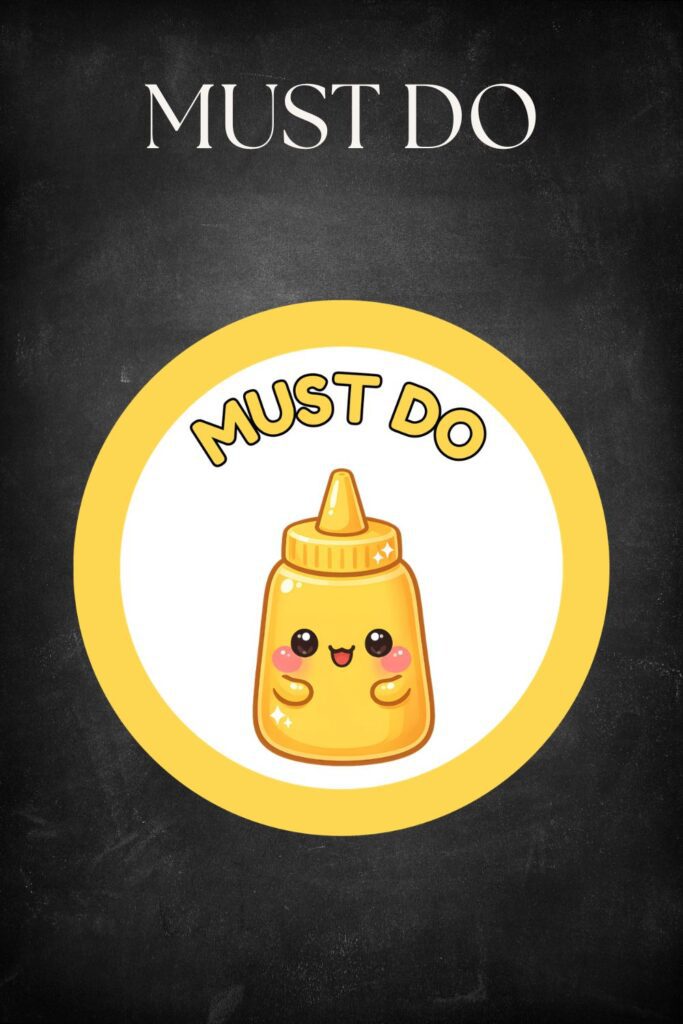
Must Do (Mustard): Today’s Required Work
Must Do includes the required work students are expected to complete for the day. Depending on your classroom, students may receive different levels of support or modified assignments, but everyone understands that this category comes first.
Examples include:
- Daily math practice
- Reading response
- Writing assignment
- Vocabulary practice
- Science notebook activity
- Exit ticket
- Morning work
Giving required work its own visual category helps students distinguish between assignments they must complete and activities they may choose later.
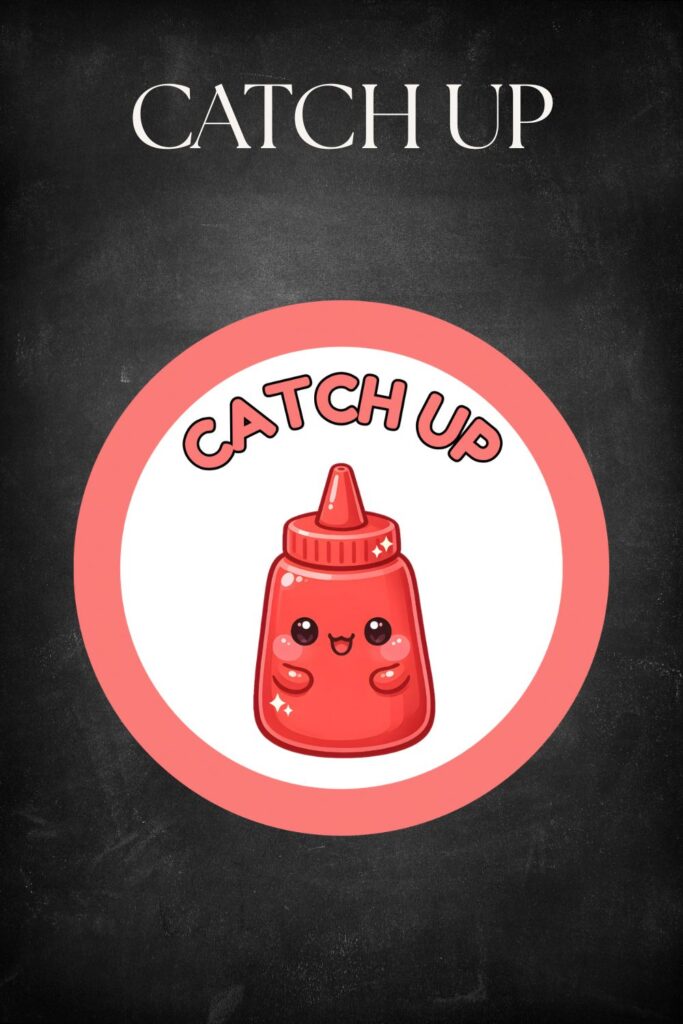
Catch Up (Ketchup): Finish What Still Needs Attention
In this version of the routine, students check their Catch Up work after finishing today’s Must Do assignment.
Catch Up includes anything that still needs attention, such as:
- An unfinished assignment from an earlier lesson
- Work missed because of an absence
- A writing piece that wasn’t completed
- Corrections or revisions
- An unfinished project step
Building Catch Up into the routine makes unfinished work part of a normal classroom procedure instead of something students only think about after being reminded.
Many teachers keep a simple Catch Up folder or unfinished work bin where students can quickly check whether anything still needs to be completed.
May Do (Mayonnaise): Everyday Choice Activities
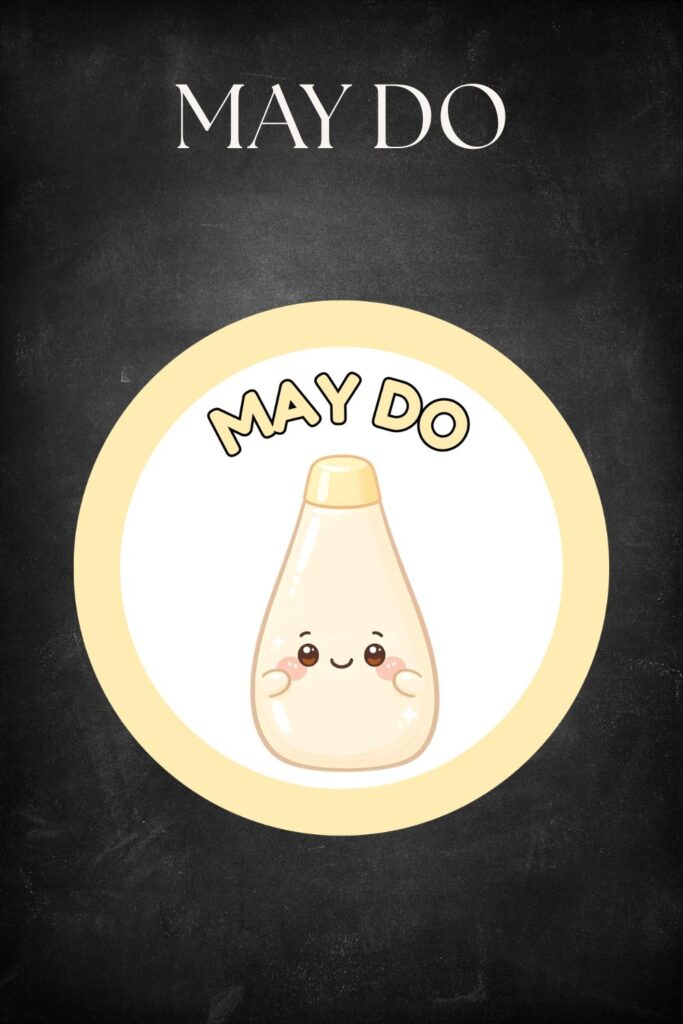
Once students have completed and checked their required work, they can move to May Do.
May Do is your regular collection of independent activities that students already know how to use with little or no explanation. Think of it as your everyday menu of meaningful choices.
Ideas include:
- Independent reading
- Quiet writing prompts
- STEM bins
- Math games
- Logic puzzles
- Word games
- Educational technology
- Listening center activities
Because these choices stay fairly consistent, students quickly learn how to access them independently.
Pick (Pickle): A Rotating Teacher Choice
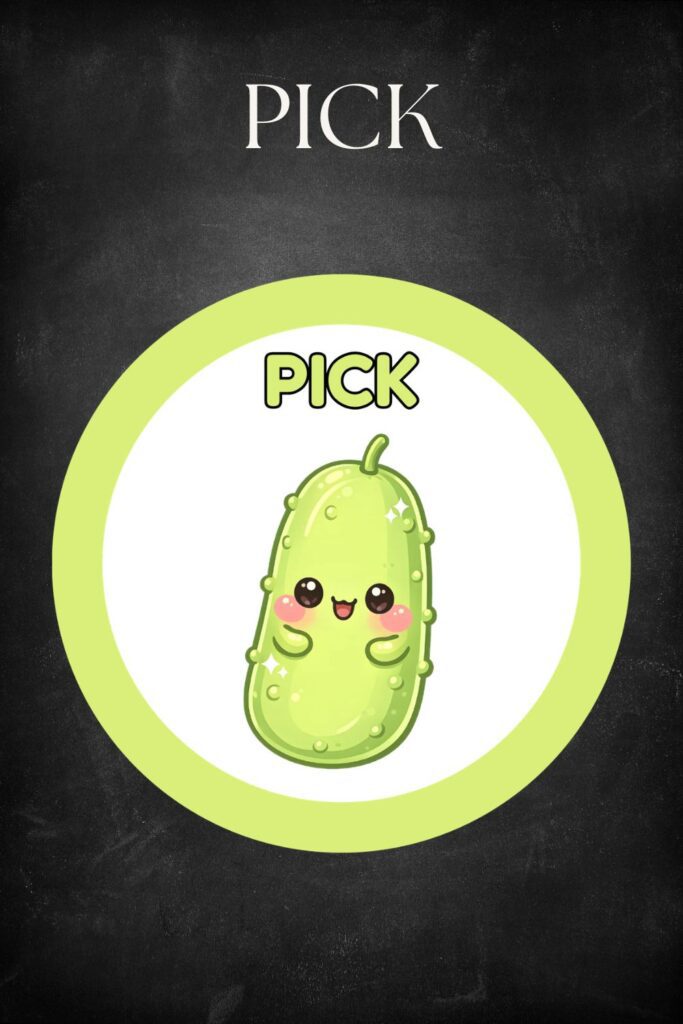
At first glance, Pick might seem similar to May Do, but it serves a different purpose.
While May Do stays relatively consistent, Pick changes regularly. It’s a teacher-selected activity that adds variety without requiring you to redesign your entire independent work system.
Pick could be:
- Teacher’s Pick of the Week
- Pick One from the Board
- Friday Pick
- Seasonal Pick
- Partner Pick
- Mystery Pick
- A monthly enrichment activity
Changing only one category keeps independent work feeling fresh while minimizing prep time.
Why Teachers Like This Routine
No classroom routine solves every management challenge, but a predictable visual workflow can reduce many of the small interruptions that happen during independent work.
Teachers often appreciate this approach because it:
- reduces repeated “What do I do now?” questions
- provides a consistent place for unfinished work
- supports student independence
- helps visual learners understand expectations
- creates smoother transitions between activities
- reduces the number of individual decisions teachers need to make throughout the day
Like any classroom procedure, these benefits develop over time. With consistent modeling and practice, students gradually begin using the routine with fewer reminders.
How to Introduce the Routine
Rather than expecting students to understand everything immediately, introduce the routine over several days.
Day 1: Introduce the Signs
Explain what each sign means and where students will find it in the classroom.
Day 2: Model the Workflow
Demonstrate the process yourself:
Must Do → Catch Up → May Do or Pick.
Day 3: Practice Together
Give students several “What would you do?” scenarios and let them explain their thinking before trying the routine themselves.
Day 4: Use the Routine During a Short Work Period
Provide a brief independent assignment so students can practice the full routine while you coach as needed.
Continue Reteaching
Like any classroom expectation, revisit the routine after school breaks or whenever you introduce new May Do or Pick activities.
Adapting the Routine for Different Grade Levels
Kindergarten
Use large pictures alongside the words and keep Must Do to one or two short activities. Pair each category with a consistent physical location so students have both a visual and spatial reminder.
Grades 1–2
Many students are ready for a short visual checklist of Must Do tasks and can begin checking a Catch Up folder independently with occasional reminders. This is also a great age to introduce a simple Pick choice board.
Grades 3–5
Older elementary students often enjoy more open-ended May Do activities, such as independent projects, coding challenges, or creative writing. They may also be ready to track Catch Up work using planners or assignment notebooks rather than classroom folders.
Activity Ideas by Category
| Category | Activity Ideas | Teacher Tip |
|---|---|---|
| Must Do | Daily math practice | Keep assignments manageable within the available work time. |
| Must Do | Reading response journal | Provide sentence starters when needed. |
| Must Do | Science notebook activity | Connect directly to the day’s lesson. |
| Must Do | Vocabulary practice | Rotate activity formats throughout the year. |
| Must Do | Morning work | Use a consistent structure so students know what to expect. |
| May Do | Independent reading | Refresh classroom library displays regularly. |
| May Do | STEM bins | Limit materials to encourage quick cleanup. |
| May Do | Math games | Store games in labeled containers. |
| May Do | Quiet writing prompts | Keep prompt cards organized by theme. |
| May Do | Logic puzzles | Offer varying difficulty levels. |
| Catch Up | Missed work from an absence | Keep absent work in one designated location. |
| Catch Up | Unfinished assignments | Use an unfinished work folder. |
| Catch Up | Corrections and revisions | Encourage students to review teacher feedback. |
| Catch Up | Incomplete projects | Break projects into smaller checkpoints. |
| Catch Up | Reading log updates | Build in a regular time to complete them. |
| Pick | Teacher’s Pick | Change weekly or biweekly. |
| Pick | Mystery Pick | Place activity cards inside envelopes. |
| Pick | Seasonal activity | Connect to classroom themes. |
| Pick | Partner challenge | Keep expectations simple and quiet. |
| Pick | Pick One choice board | Rotate choices every month. |
Frequently Asked Questions
Can I use this routine during centers?
Yes. Many teachers incorporate these categories into literacy or math centers by making the center task the Must Do activity while May Do and Pick provide meaningful choices for early finishers.
Does it work for morning work?
Absolutely. Morning arrival naturally creates different finishing times, making this routine especially useful before whole-group instruction begins.
Does it work with upper elementary students?
Yes. Older students usually need less modeling and can take greater responsibility for tracking Catch Up work independently.
What if students skip Catch Up?
Treat it like any classroom procedure. Pause, model the routine again, and consistently guide students back to checking their Catch Up work before choosing optional activities.
How are May Do and Pick different?
May Do is your everyday collection of familiar independent choices. Pick is a rotating teacher-selected activity that changes more frequently.
Can I use a different theme?
Definitely. The condiment theme is simply one fun option. You could just as easily use colors, animals, camping, outer space, or any classroom theme your students enjoy.
Printable Must Do, May Do, Catch Up, and Pick Signs
Ready to set up this routine in your own classroom?
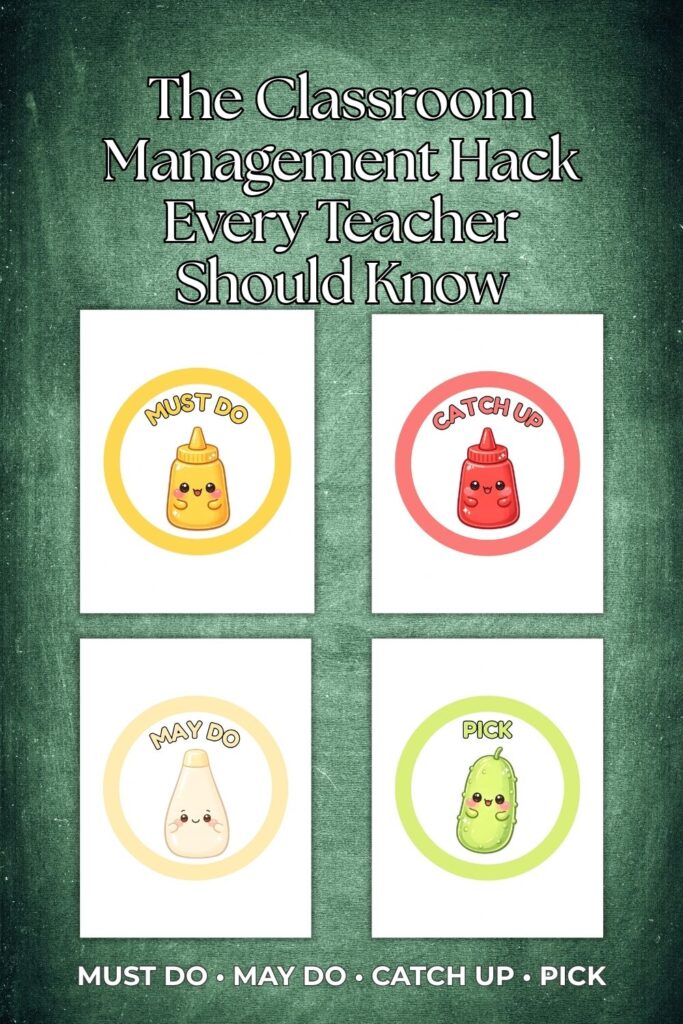
These printable signs turn each category into an easy-to-recognize visual by pairing Must Do with mustard, May Do with mayonnaise, Catch Up with ketchup, and Pick with a pickle. The cheerful condiment characters help younger students quickly identify each category while adding a fun touch to your classroom décor.
Use them on:
- bulletin boards
- classroom shelves
- activity bins
- student folders
- pocket charts
- independent work areas
Final Thoughts
You don’t have to introduce every category on the first day.
Many teachers begin with Must Do and May Do, then add Catch Up and Pick once students understand the basic routine.
The key isn’t having the most elaborate classroom management system—it’s building one that students can use consistently and independently. A simple visual routine, taught well and practiced regularly, can make independent work time more predictable for both students and teachers.
Read about Classroom Hand Signals in the previous blog post and find the printable from this link below!
Leave a Reply
You must be logged in to post a comment.